 CattleScale
What's new in CattleScale, October 2026
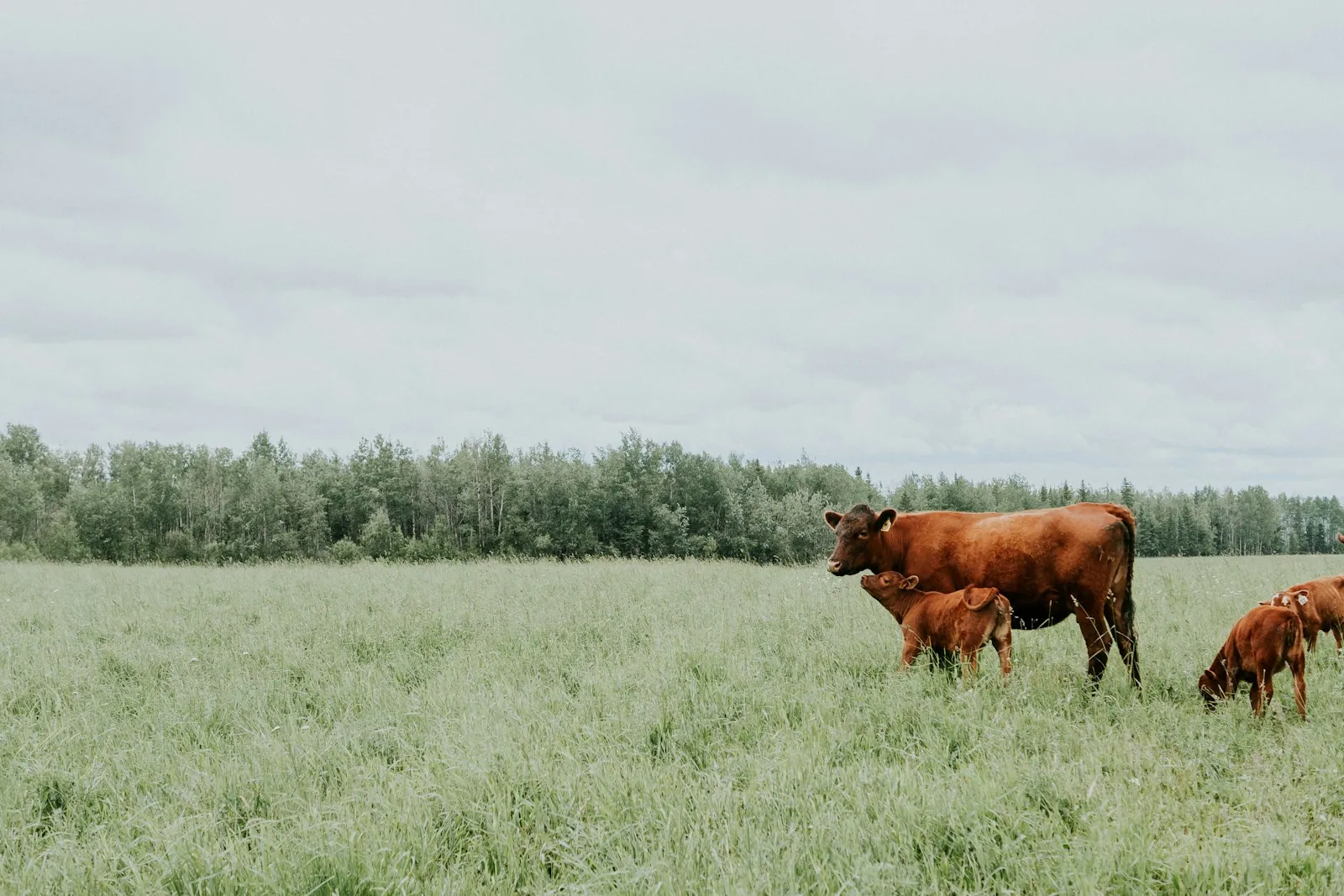
This month CattleScale gained weighing packs, three more languages, a way to value an animal at your own price, and a more honest weight range. Everything below is already in the app on your phone, with no App Store update needed.
Weighing packs for whole mobs
If you weigh more than a few animals, paying one at a time adds up. Packs let you buy weighings up front through the App Store and unlock each animal with a single tap. In Australia the prices are:
| Pack | Price | Per weighing |
|---|---|---|
| 50 weighings | A$39.99 | A$0.80 |
| 100 weighings | A$69.99 | A$0.70 |
| 200 weighings | A$129.99 | A$0.65 |
| 250 weighings | A$149.99 | A$0.60 |
| 500 weighings | A$279.99 | A$0.56 |
Outside Australia the App Store shows its own price for your country. There is no account to set up. Your balance shows at the top of every screen, and "Restore my packs" brings the balance back on a new phone or after you delete and reinstall the app. The single weighing is still there for the odd animal.
Español, Português, Polski
CattleScale now comes in Spanish, alongside Portuguese, Polish and English. That covers every screen, the written notes on your animal and the PDF weight report. A phone set to Spanish, Portuguese or Polish opens the app in that language, and you can switch on the first screen. The translations were done with care but not by native speakers, and the app says so.
Your own price, in your own currency
The dollar figure in CattleScale comes from Australia's published cattle indicators, which suits an Australian farmer but not a producer in Mexico or Brazil. Once a weight is unlocked, you can now type the price buyers near you pay per kilogram of liveweight, pick your currency, and see the animal's value and its range in pesos, reais or whatever you sell in. The price stays on your phone and is never sent to us. Australian figures now show as A$ in the other languages, so nobody mistakes them for local money.
An honest weight range
We said we would re-test the newer model on the full set of 72 scale-weighed cattle, and we did. It did no better than the first one: the typical error was about 23 per cent, and the ranges it showed held the true weight under three times in ten. Photos with nothing of known size in them also tended to come in low.
So the app now tells you plainly when it has nothing to measure from. With no measured scale in the photos, a reading is rated Low and the range runs from 25 per cent under the estimate to 50 per cent over. On the same 72 cattle that range held the true weight about eight times in ten. Those cattle came from one herd overseas, so treat the figures as a guide, not a promise. It is still an estimate, not a weigh scale: do not dose, buy or sell on it.
How to get a tighter reading
The single biggest thing you can do is put the printed CattleScale ruler sheet beside the animal. It gives the app a real scale to measure from, and the result screen now reminds you right under the weight whenever a photo has none. The next biggest is to take all four angles. Front, both sides and rear give the best reading, and the app now shows how many angles are still missing before you weigh, though it will still weigh from one side-on photo if that is all you have. For more on weighing without scales, see our guide to estimating cattle weight without scales.
Smaller fixes
- The top of the screen no longer sits under the iPhone clock.
- "Take photos" and "Choose saved photos" now sit above the photo tiles, where you see them first.
- When a photo is turned down, the app now says how to fix it: a clear side-on photo of the whole animal, in good light.
- Long labels in other languages no longer run off the edge of the screen on small phones.